EaseUS Partition Master Server – License Key for Windows
Maximize Your Server’s Storage Efficiency with EaseUS Partition Master Server
Take full control of your server's disk partitions with EaseUS Partition Master Server Edition, the trusted all-in-one disk management software for IT administrators, SMBs, and enterprises. Whether you need to resize partitions, migrate your OS, or clone your server disk—this powerful tool ensures safe, fast, and effective performance.
This complete server partitioning software helps create or resize partitions and keeps the server running at peak performance in Windows Server 2022, 2019, 2016, 2012, 2008, 2003
Partition Master Server Feature:
Server Partitioning
EaseUS server partition manager helps you create new partitions or resize existing partitions. By reallocating disk space, you get better organized data and can balance the server workload so it performs as you expect it to. Partition while the server is running in Windows Server 2022, 2019, 2016, 2012, 2008, 2003: no downtime, no data
Partition Recall Protection
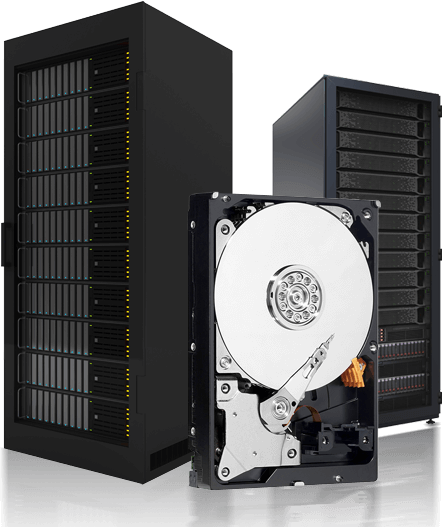
This technology prevents NTFS partition malfunction from occurring when a resize/move operation is interrupted. If your computer unexpectedly powers off during the partition adjustment, Partition Recall Protection will cancel the operation and safely restore the partition to its original status.
Extend System Partitions
Reallocate free space on your server's hard disks and extend system drives to eliminate low disk space issues. EaseUS Partition Master makes it easy to expand NTFS system partitions and speed up the performance of Windows Server systems so you do not need to restart the system. If your server system fails to start, create a WinPE bootable disk to access your hard drives for maintenance or recovery purposes.
Boost Server Performance
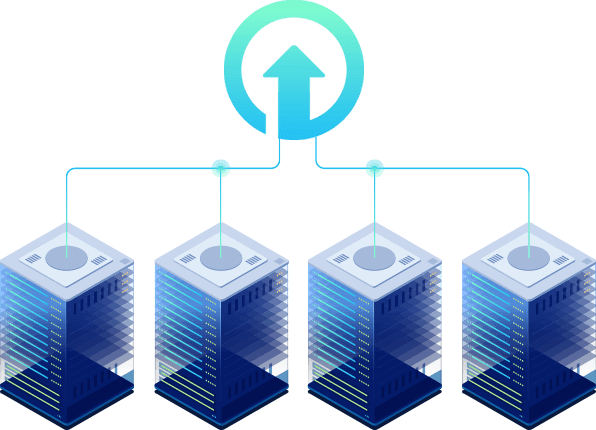
Improve your server's capability. EaseUS partition software can migrate your system drive into several disks so that you can take a single large server and separate it into multiple self-contained systems, with each disk running its own copy of the Windows Server system. When one of the systems is down, or you have to reset or close one, the server can remain running on the other hard drives.
Command Line Partitioning
Command line is a convenient and efficient way for IT administrators to run Windows Server. Disk management from the command line saves administrative time and minimizes the risks in maintaining Windows Server. EaseUS Partition Master Server can centrally create or move hard drive partitions on your Windows Server with simple command line input.
Superior Partition Tools
Restructure your hard drive in minutes. Create, resize, move, merge, split, format, delete, check, or explore partitions without rebooting the Windows Server.
-
Clone Disk/Partition
Make a full copy of your disk/partition and replace the old disk with a new one. Clone the system drive to another disk/partition and migrate OS to SSD/HDD without reinstalling Windows Server.
-
Format/Delete Partition
Format hard drives/partitions for safe reuse. Format FAT partition to NTFS, or NTFS partition to FAT. Delete useless partitions or wipe sensitive data on partitions for business security.
-
Merge/Split Partition
Merge small partitions into a large one or split a partition into several partitions without data loss. In this way, you decrease disk fragments and make the best use of hard drive capacity.
-
Recover Partition
In one click, recover partitions that have been accidentally deleted or damaged from hardware failure, virus attack, erroneous repartition, or other reasons.